PDF Folder Compressor — Batch Compress Thousands of PDFs
A downloadable tool for Windows
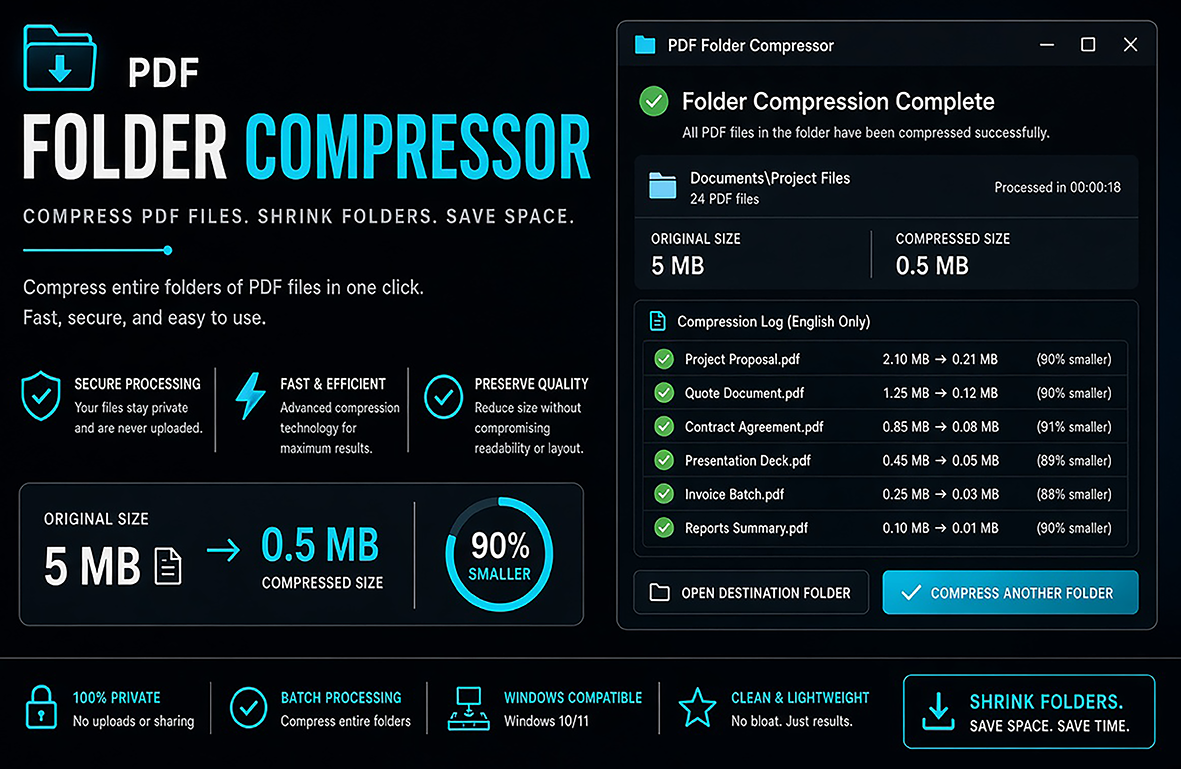
📦 A simple offline tool that compresses all PDF files inside a folder and all its subfolders by reducing image resolution.
✅ What it does
🔍 Recursively scans the selected folder and all subfolders
📄 Finds every PDF file
🖼 Reduces image resolution inside PDFs to the DPI you choose (default 200)
⏭ Skips files that are already at or below the selected resolution
📁 Can process tens of thousands of files
💾 Replaces the original file only if the new version is smaller (optional)
⚙️ Requirements
You need Ghostscript installed.
1. Download from: https://www.ghostscript.com/releases/gsdnld.html
2. Install it (default settings are fine)
3. Restart the program if it doesn't detect Ghostscript
🚀 How to use
1. Run the program
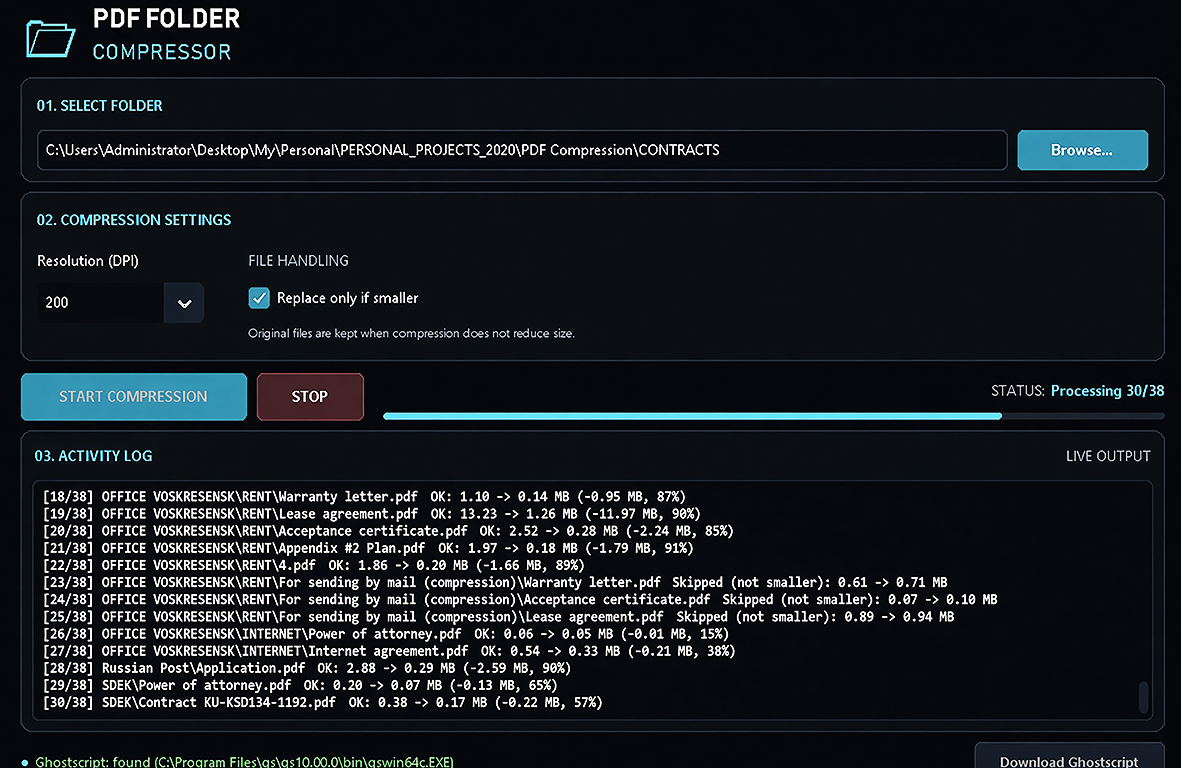
2. Click Browse... and select the folder with your PDFs
3. Choose the desired resolution (DPI). 200 is a good balance for most documents
4. Leave "Replace only if smaller" enabled (recommended)
5. Click Start Compression
6. Wait until it finishes. You can stop at any time
🔒 Notes
• Works completely offline. Your files never leave your computer.
• Original files are replaced only when the compressed version is smaller.
• A detailed log is shown during processing.
Purchase
In order to download this tool you must purchase it at or above the minimum price of $18 USD. You will get access to the following files:
Leave a comment
Log in with itch.io to leave a comment.